FPGA Marketing — Your Online Store for Development Boards, Microcontrollers & Accessories
FPGA Marketing
Showing all 14 results
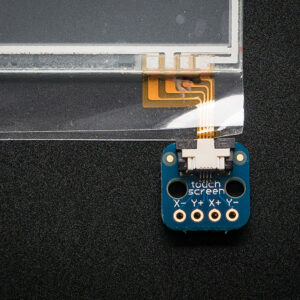
Connect a fine-pitch resistive touch panel to a prototype. The four-pin connector accepts a 0.5 mm pitch flex cable.
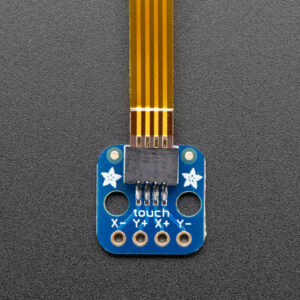
Connect a four-wire resistive touch panel to a prototype. Choose this version for a panel with a 1.0 mm flex-cable pitch.
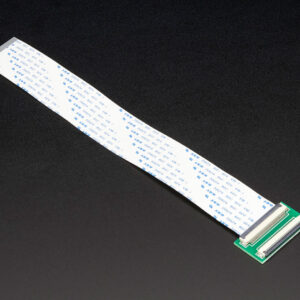
Extend a 40-pin flat-flex connection in a display or embedded assembly. The board accepts 0.5 mm pitch cables.
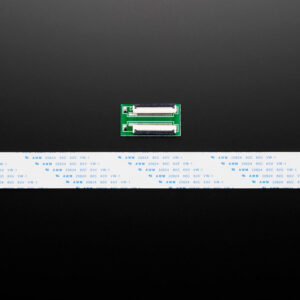
Extend a 50-pin flat-flex connection in a display or embedded assembly. The board accepts 0.5 mm pitch cables.
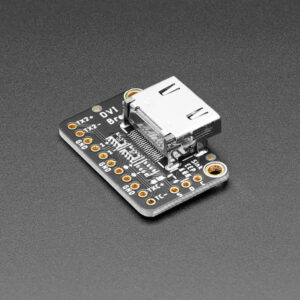
Add a digital video output connector to a microcontroller project. The source must generate its own video signal.
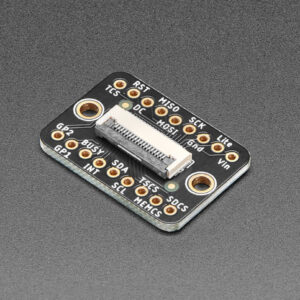
Connect an EYESPI display cable to a hand-wired prototype. The board accepts an 18-pin flat-flex cable.
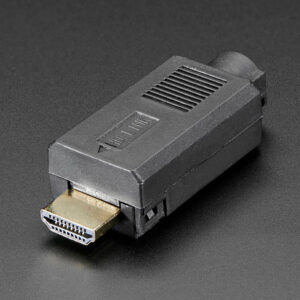
Build a custom HDMI wiring harness or test fixture. The male plug is mounted on a PCB with solderable through-hole pads.
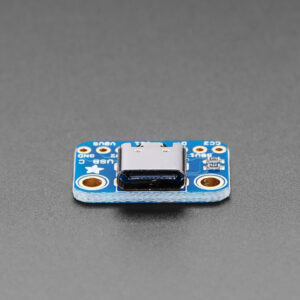
Add a low-profile USB-C receptacle to a project. Its recessed connector straddles the PCB to reduce mounting height.
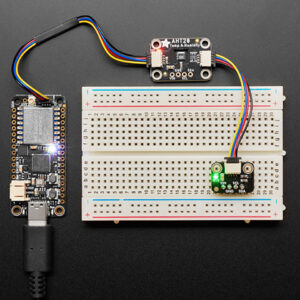
Connect a Qwiic or STEMMA QT peripheral to a breadboard circuit. The breakout makes the I2C bus accessible for prototyping.
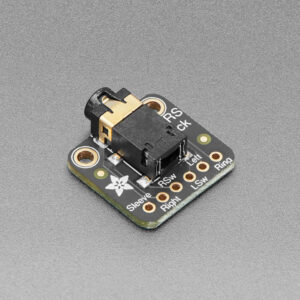
Connect a four-contact headset cable to a prototype. Switched left and right contacts let the circuit detect plug insertion.
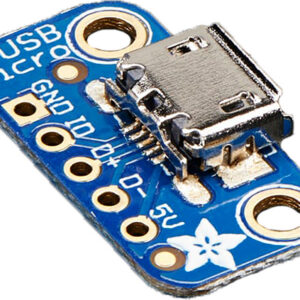
Add Micro-B USB power or data to a prototype. All five connector pins are available for wiring.
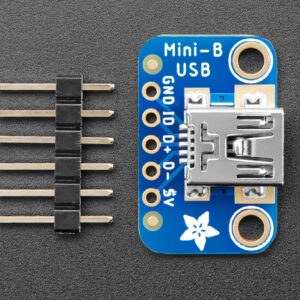
Add a Mini-B connection to a USB-capable microcontroller or a 5 V project. All five connector pins are accessible.
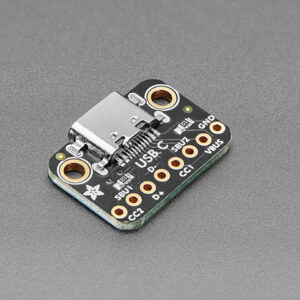
Give a USB peripheral a reversible USB-C connection. The onboard CC resistors configure the connector for use on the device side.
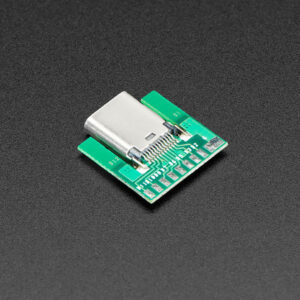
Build a custom cable harness around an inline USB-C socket. Both rows of connector contacts are accessible.